Portrait Mode is most often represented by a side angel of a woman’s head. This is an automatic shooting mode where the camera sets all the exposure values. In this mode the camera attempts to soften skin tones, and places emphasis achieving a narrow DOF by selecting a wide Aperture (e.g. f/5.6 or less). This…
Landscape Mode
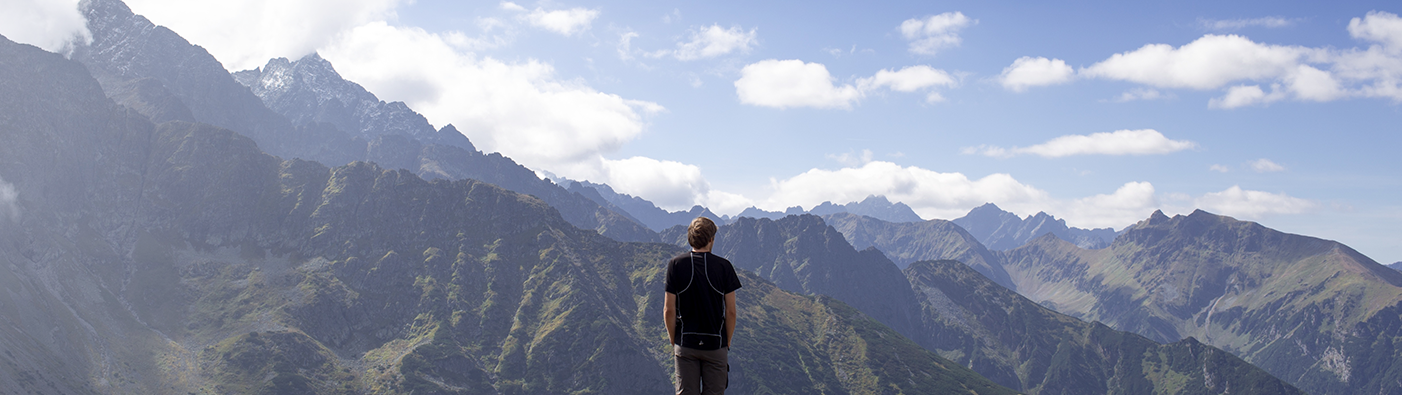
Landscape Mode is usually represented by mountain peaks. This is an automatic shooting mode where the camera sets the exposure values. In this mode the camera places emphasis the maximum DOF that can be attained by selecting a narrow Aperture; usually trying for f/16 or greater. This mode is designed to be used in daylight…
Close Up Mode
Close Up Photography shooting modes are typically standard on most DSLR cameras as well as on many point and shoot camera. The symbol indicating Close-Up Mode us usually a flower. Camera manufacturers take different approaches to which component of exposure is given emphasis. Some cameras emphasize a small aperture to provide a large depth of…
Night Portrait
Most DSLR cameras have a Night Portrait Shooting Mode. In this mode the camera fires the flash, but selects a slow shutter speed which also allows the camera to capture existing background light. This mode can help to create images in which you are able to capture the colors of a sunset, yet also have…
No-Flash
The No-Flash shooting mode is not on option on all cameras, is seldom used, but is useful when used. Primarily used in low light situations, the No-flash mode prevents the flash from firing. This is most useful when the flash is creating harsh light on the subject, or when you want to avoid red-eye on…
Sports/Action
One of several presets the camera uses to make photography simple is the Sports/Action shooting mode. This is often represented by a sprinter on the shooting mode dial. In Sports/Action mode, the camera is going to place emphasis on obtaining a fast enough shutter speed in order to stop/freeze the action.
Automatic
The Fully Automatic shooting mode is typically indicated with a green camera icon, or green square on the shooting mode dial. This shooting option on your camera is “point-and-click” mode as the camera calculates a suitable ISO sensitivity, shutter speed, and aperture setting for you; activating the flash if needed for additional light.
Program
The Program Mode is typically indicated with a “P” on the shooting mode dial. This shooting option on your camera is one of the more simple modes to use as the camera calculates a suitable shutter speed and aperture setting for you. The only setting the user changes is the ISO (sensitivity).
Manual Mode
Manual is one of three common User Control Shooting Modes. In Manual Mode the user has total control over the exposure variables of ISO, Shutter Speed, and Aperture. When photographers begin to master exposure variables, Manual Mode is no longer an intimidating camera feature, but a desired one.
Automatic Depth of Field
A-DEP is the notation for Automatic Depth of Field, which is a shooting mode included on some cameras. With A-DEP mode, you tell the camera which parts of your photo need to be in-focus, and the camera picks a corresponding aperture to get the correct amount of DOF.


