
 Aperture Priority is one of four common User Control Shooting Modes in which the user has increased control over the exposure variables of ISO, Shutter Speed, and Aperture.
This is one of three ideal shooting mode useful for photographers needing to adjust the DOF. The other useful modes are Manual Shooting Mode, and Automatic Depth of Field. (if available).
In Aperture Priority the user sets the desired Aperture Speed, and the camera balances the exposure with a corresponding Shutter Speed value. NOTE: The user also pre-selects the desired ISO (according to available light).
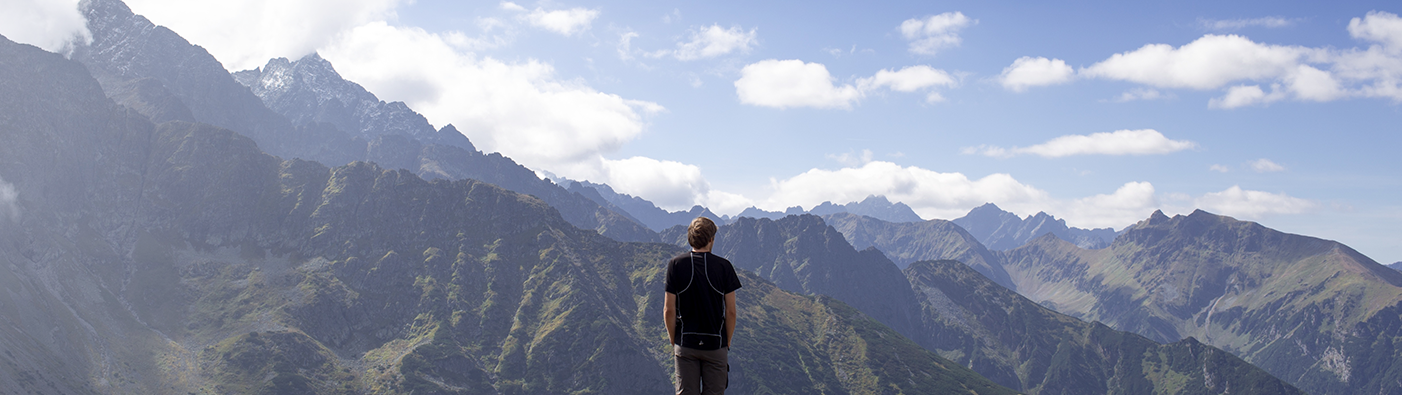
Adjusting Depth of Field is often desirable when shooting landscape scenes, portraits, or to compensate an exposure with the right amount of light when adjusting the ISO is too excessive. By controlling Aperture, the user controls DOF to create blurred backgrounds at wide aperture (e.g. f/2.8) of deep DOF for landscapes (e.g. f/16 or greater).
CONSIDERATIONS
- SLOW SHUTTER: In poor lighting if the user attempts a large DOF (e.g. landscape, indoor sports, etc.) the camera will compose the image with a slower shutter speed. In some cases, that shutter may be too slow to stop the action, or allow the user to hold the camera by hand.
- NOISE: In low-light situations ISO may need to be elevated to allow for a narrow aperture (to achieve a deep DOF). This can introduce digital image noise.
- LENS OPENING: Some zoom lenses change aperture when zooming in and out; based on the maximum aperture opening for different ranges of the zoom. If using Aperture Priority know that zooming in on the subject will often result in a smaller aperture value, which could adjust your desired result.
RELATED ARTICLE: Aperture (with Video Link)